
EDI Bridge
Keep sales documents moving between Business Central and your EDI operator
When customers send orders through EDI, your team needs the information in Business Central to act on it. EDI Bridge imports orders and sends shipment advices, invoices and credit memos through a direct connection with your EDI operator.
- Import customer orders
- Send delivery advices and invoices
- Reduce repeated data entry
Bring customer orders into Business Central
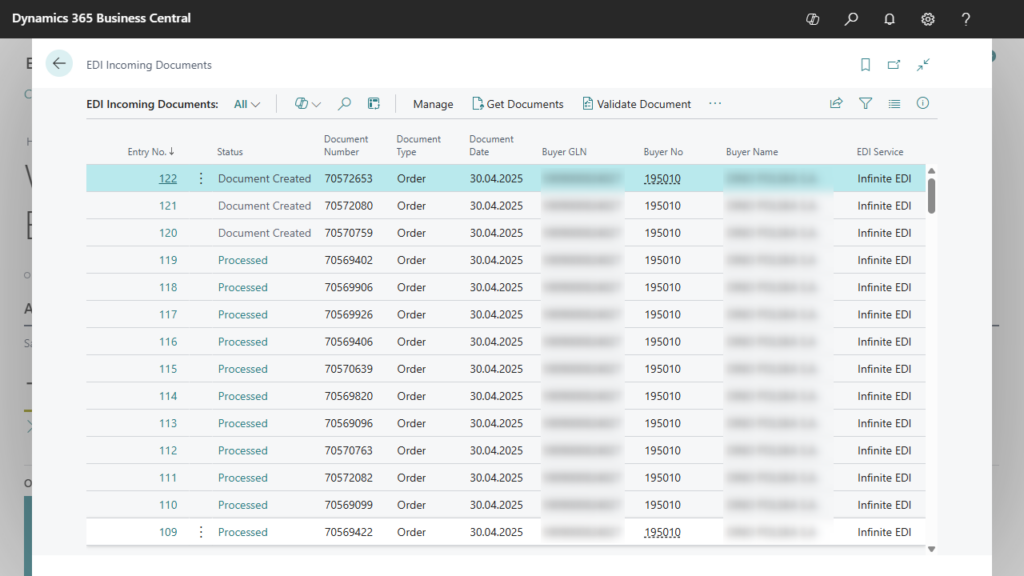
Convert incoming ORDERS messages into sales orders. Your team can work with the order in Business Central without retyping the same customer request.
- Import electronic customer orders
- Continue processing in the sales workflow
Send delivery advices from your shipment process
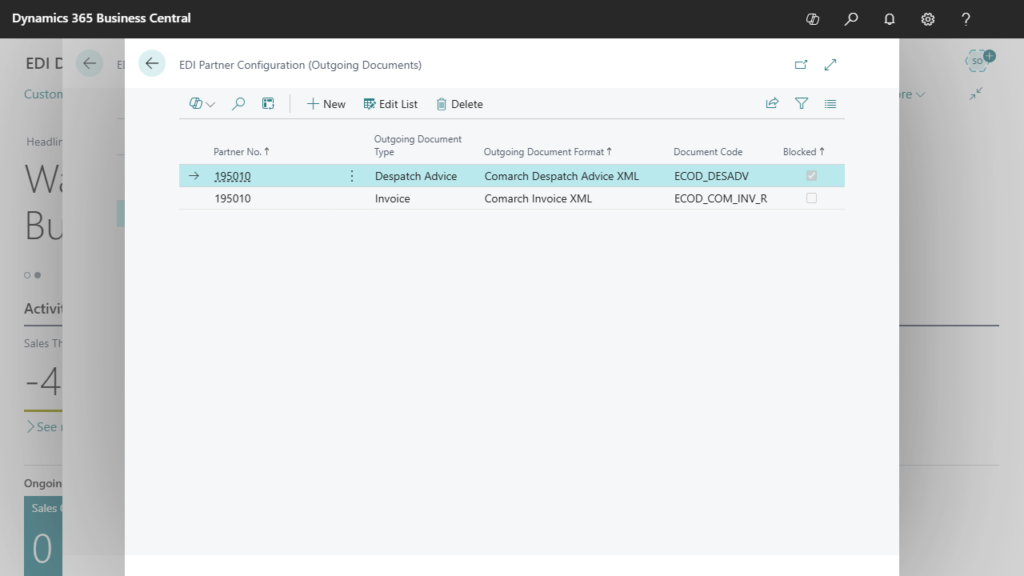
Send DESADV messages from Business Central to provide the delivery information required by your trading partners. Keep the electronic notice connected to the shipment process.
- Export delivery advice messages
- Use shipment information from Business Central
Exchange invoices and credit memos
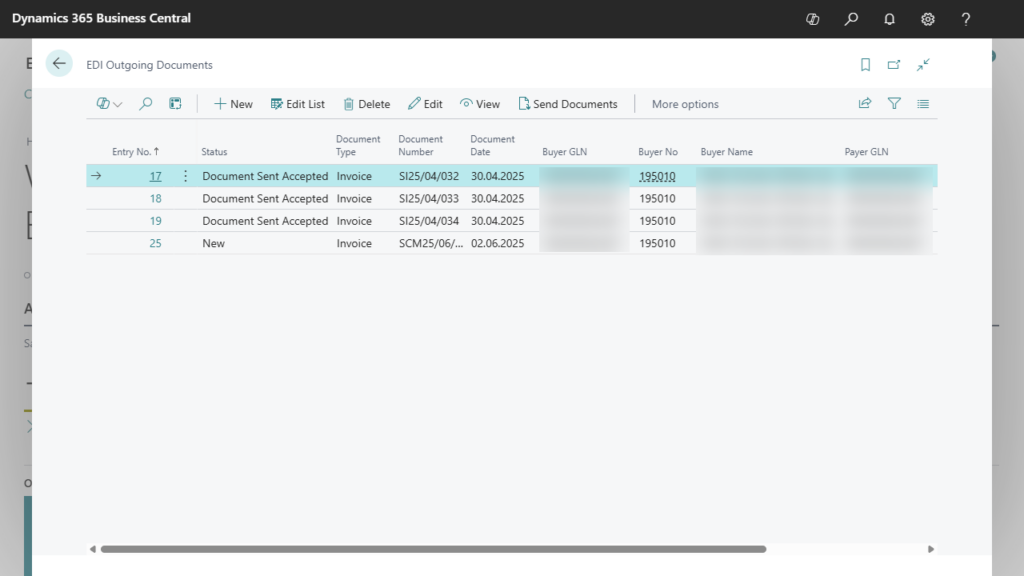
Send invoices and credit memos using INVOIC messages. Keep document exchange within the sales process your finance and customer service teams already use.
- Export sales invoices
- Export sales credit memos
Connect directly with your EDI operator
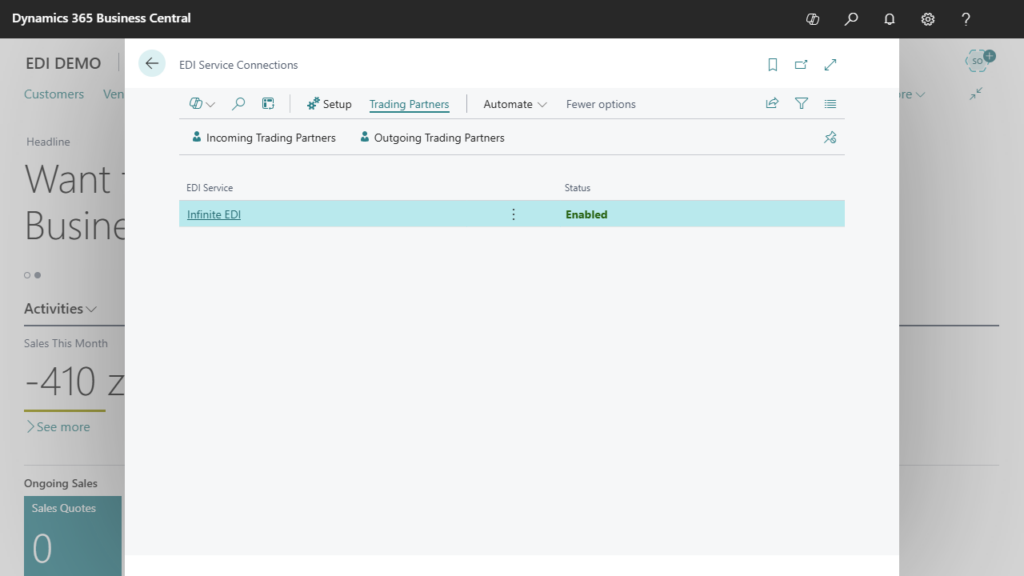
Use a direct operator connection to exchange the supported messages. Configure the integration for your trading partners and document requirements.
- Connect Business Central to your EDI operator
- Coordinate incoming and outgoing documents
EDI Bridge in practice
A distributor supplies retail customers that exchange orders and sales documents through an EDI operator. When an ORDERS message arrives, EDI Bridge imports it into Business Central and creates a sales order. The sales team can check the order and continue processing it without entering the same customer request again.
As the order moves through fulfilment, shipment information from Business Central is used to prepare a DESADV delivery advice. The team can then send the invoice as an INVOIC message. If a correction is needed, a sales credit memo can also be sent through the integration.
The connection and document setup are configured for the operator and trading partners involved. Incoming orders and outgoing delivery and billing documents follow the sales process in Business Central, reducing repeated data entry across these steps. The team has more time to deal with questions about quantities, delivery dates and customer requirements.
Discuss your EDI requirements
Tell us which EDI operator, trading partners and message types you use. We can review the integration scope for your Business Central environment.